
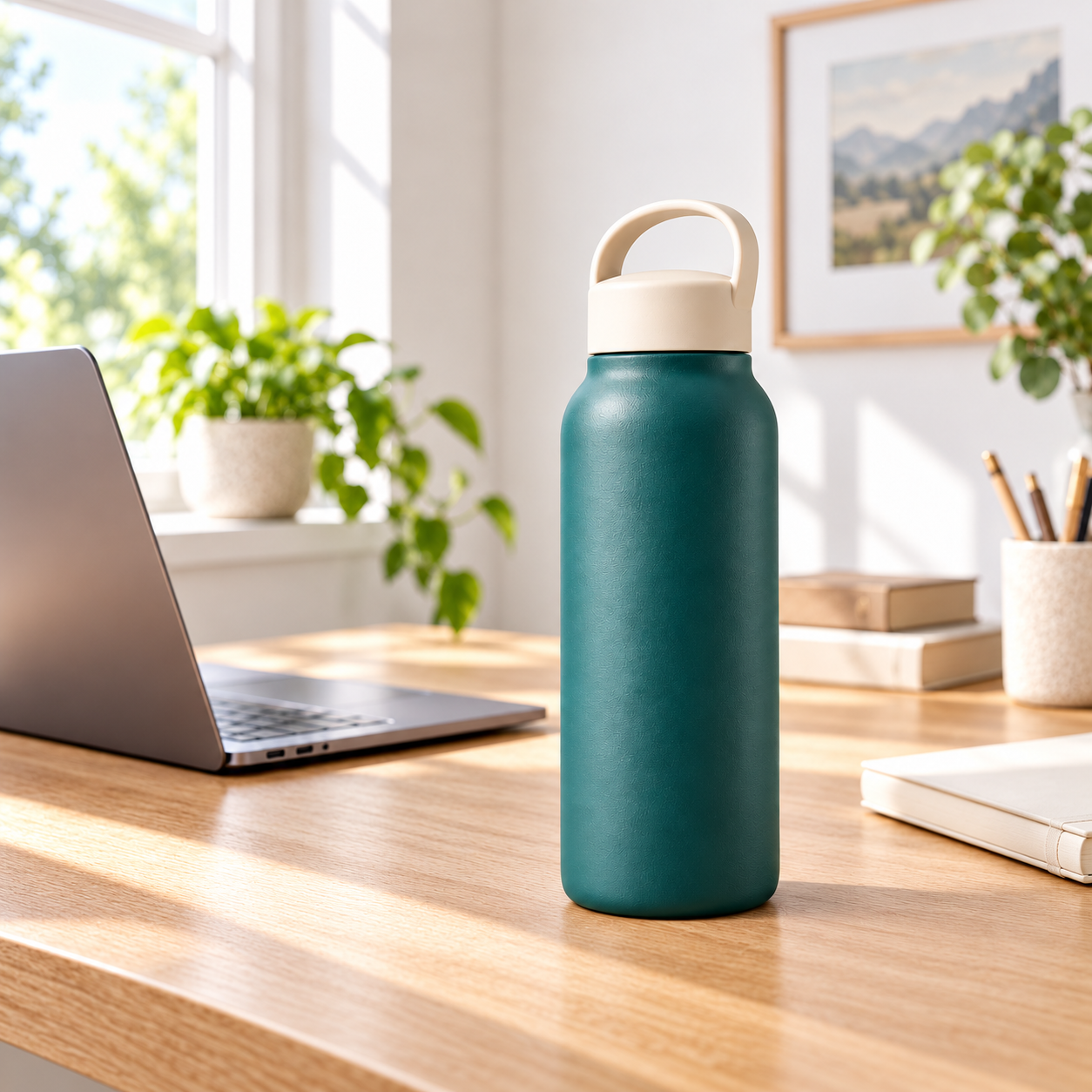
A product image can look attractive and still be wrong. A changed cap, an invented component or a different handle can make the result unsuitable for the actual offer. Treat your reference as the source of physical identity, then describe the new environment separately.
Show the details the scene requires
Use clear photographs with reliable proportions. A front view cannot precisely describe the back. If a composition needs an opening, mechanism or interior, supply a reference of that configuration. Missing information should not become an invitation to invent a convincing component.
Check that multiple references show the same model and version. Mixing colors, packaging or product generations increases ambiguity. Label the product reference separately from any scene or style inspiration.
Separate identity from presentation
Product identity includes shape, proportions, components, material colors, markings and finish. Presentation includes position, viewpoint, lighting, shadows and reflections. Keeping these separate allows the product to enter a different environment without retaining the original photograph's studio lighting.
A direct instruction can preserve the reference design while adapting light to the scene. Avoid repeating that rule in several blocks with conflicting wording. If you choose professional retouching, keep it within presentation adjustments rather than changing real product characteristics.
Make the lighting belong to the scene
On a desk beside a window, the product should receive light consistent with that window. Shadow direction, softness and exposure should match. Reflective materials also pick up nearby shapes and colors. A wood surface may create a subtle warm reflection without changing the product's base color.
Contact shadows, perspective and depth of field matter too. An item resting on furniture should appear supported instead of floating. Different image models interpret these instructions differently. A good reference reduces uncertainty but does not guarantee an exact match.
Compare the result with the actual item
Check the silhouette, number of parts, connections, labels, materials and scale. Pay particular attention to areas partly covered by hands or props. Correct a changed product before using that result to create further images; otherwise the same error may spread through the gallery.
Use MyListing to organize product facts and visual direction. Attach the reference in the tool generating your image, then validate the result against the item the customer will receive.