
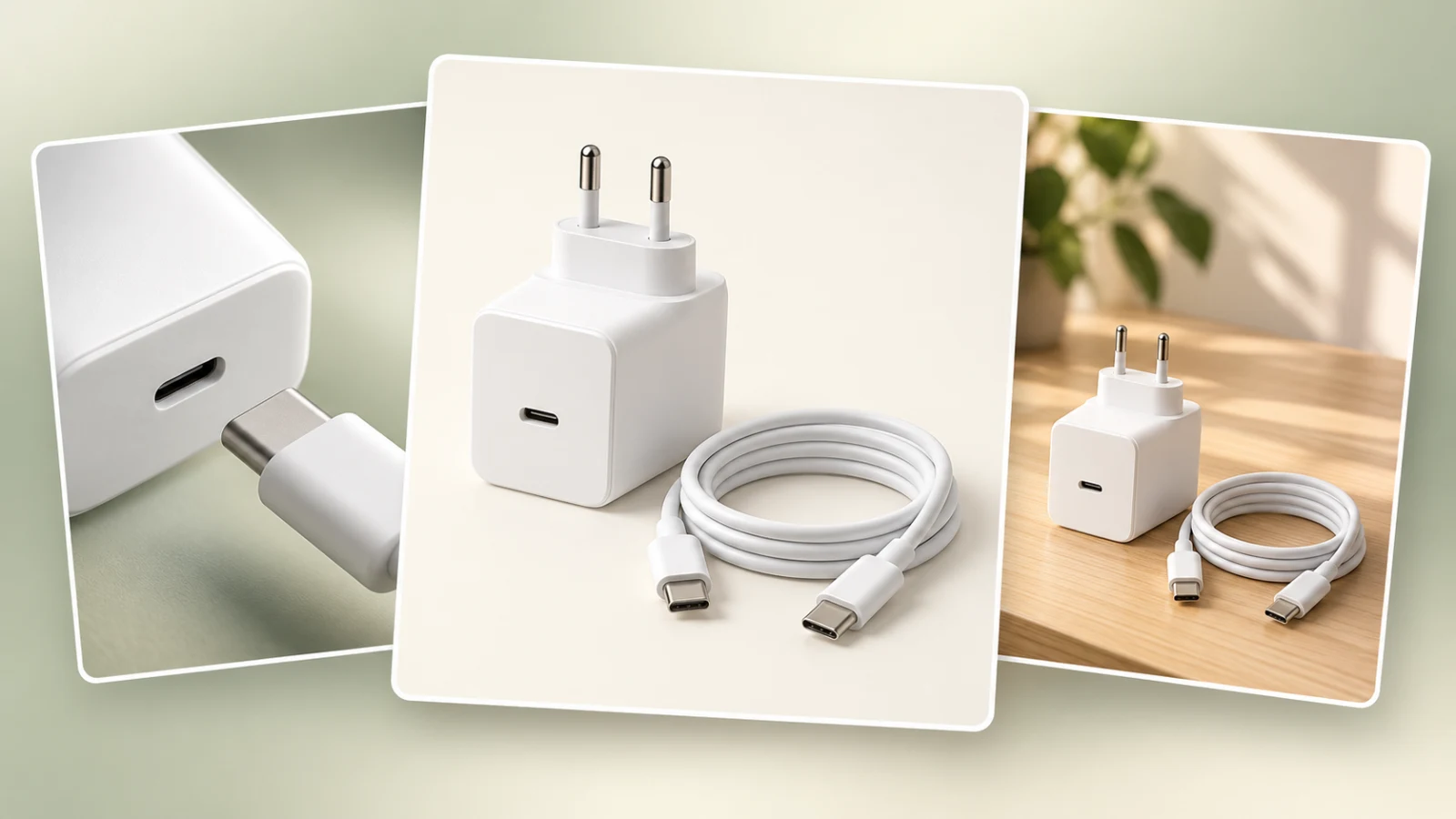
A product-set image is more useful when shoppers can identify what they will receive. Start with an inventory of the offer: the main product, included accessories and the quantity of each piece. That list can guide either a photograph or an AI-generated composition.
Consider a wall charger sold with a USB-C cable. A clear presentation shows both items as one set while preserving their connectors, color and shape. A phone used as context, when not included in the purchase, must not appear to be another part of the kit.
Step 1: write down the contents of the offer
Check the packaging or supplier specification before writing a prompt. For this hypothetical example, the list is one wall charger with a USB-C output and one matching USB-C cable. Record exclusions too, such as a phone or desk stand. Do not let an exclusions list become a substitute for checking product facts you have not verified.
Distinguish accessories from variants. An included cable belongs to the same offer; a charger in another color may be a different purchase option. Showing several colors together can suggest a set that is not for sale. Check that the SKU, title and images all represent the same version.
Step 2: give each composition a job
For a contents view, keep every included piece visible, with enough separation to recognize edges and relationships. If one component hides another, an additional angle may explain the set more clearly. Do not duplicate an accessory to balance the layout: visual symmetry must not change the quantity being sold.
For a usage image, show how the pieces relate. A view of the separate pieces with their connectors visible can clarify the contents. Only depict a connection or a compatible device when that relationship is verified in the actual offer data. There is no need to give every set the same number of images; choose the views that explain the actual offer.
Step 3: check the rules of your selling channel
Google Merchant Center's main-image guidance says to represent the exact item and not include products that are not sold together with it. For a seller-created bundle, its documentation says the image, title and description should account for the entire bundle. These are channel-specific requirements, not universal permission to use any scene on another marketplace. Check the official sources below and the category rules where you sell.
An editorial cover such as the one on this article serves a different purpose: illustrating the seller's workflow. It is not a ready-to-submit main catalog image.
Step 4: turn the inventory into a brief you can check
A possible scene description is: “Present one white charger and a single USB-C cable, both fully visible, with connectors shown and without overlap that hides either piece. Show only the specified set, without a phone or additional accessories.” Supply actual reference images and choose the background according to the image's position and the channel's rules.
Use the product details, components and scene description in MyListing to organize this brief. Generate the result in your chosen AI image tool. Explicit instructions help direct the image, but the tool may still duplicate pieces, merge edges or change the shape of a port or connector.
Step 5: compare the image, listing copy and order
- Count the pieces and check that every one belongs to the offer.
- Compare color, shape and details with the actual references.
- Check that styling props cannot be mistaken for included accessories.
- Make sure the title, description and selected variant agree with the image.
- Review the gallery on a phone and check that the set remains understandable without zooming.
When the relationship between components requires precision, use a controlled photograph of the real set or add a faithful supporting view. An attractive composition does not prove quantity, compatibility or dimensions. Reviewing it improves clarity; it cannot guarantee automatic approval or sales.
Use MyListing to organize the next brief around your set's verified contents. Explore the plans.
Sources and transparency
Consulted October 19, 2026: Google Merchant Center: main product image and Google Merchant Center: seller-created bundles. The planning and review workflow above is editorial advice, not a substitute for each channel's policies.
Article and cover created with AI assistance by the MyListing team. Illustrative example; check the actual product and current requirements before publishing.