
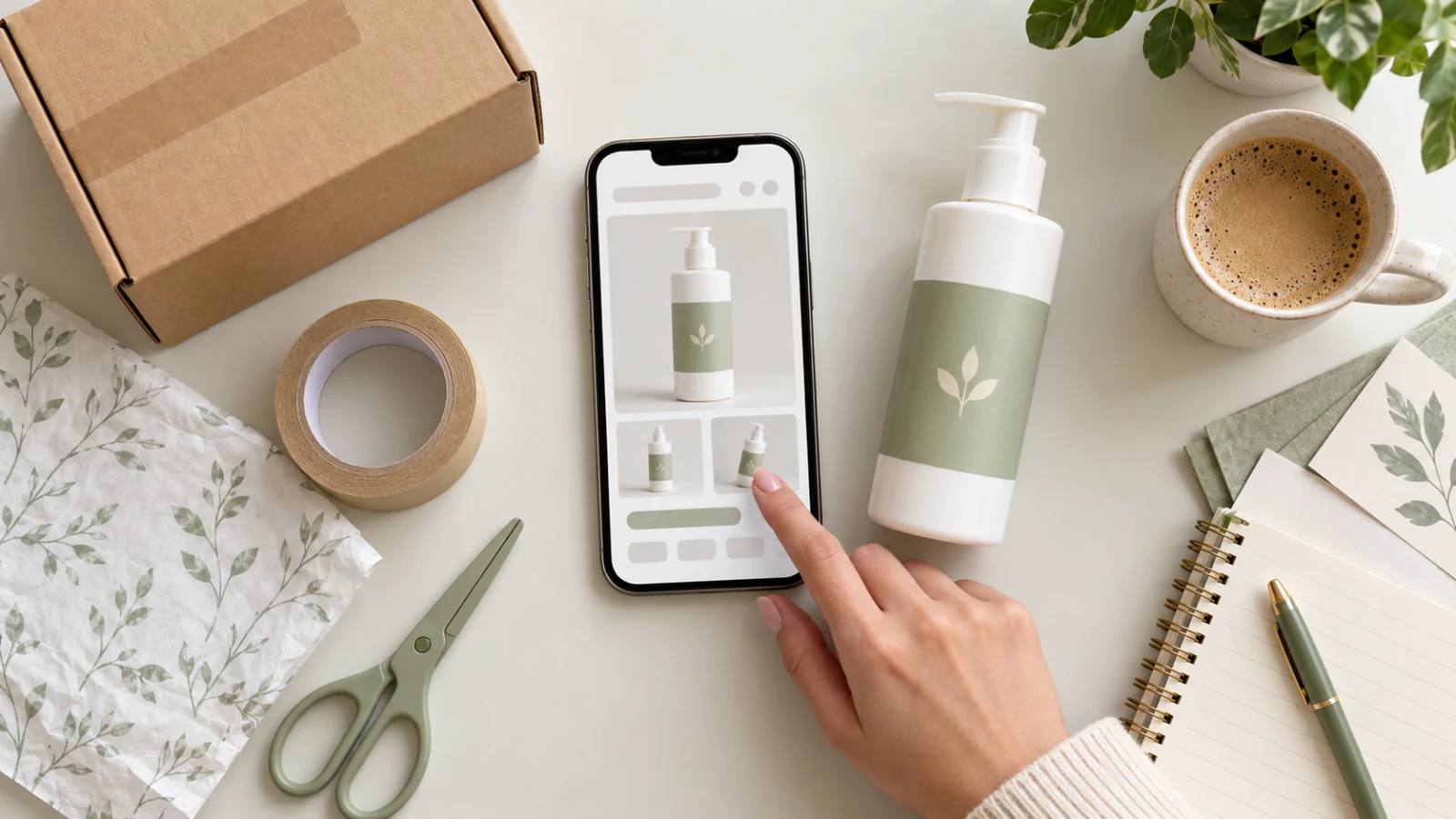
A useful cosmetics gallery helps shoppers recognize the packaging, check the version and understand what they will receive. Start with a faithful view of the bottle, then use other images to answer specific questions about the product.
Imagine a body lotion in a pump bottle. A front view identifies the offer; a second photo can show the back label; a simple scene adds context. Each image has a purpose without assigning benefits you have not verified.
Step 1: gather references for the packaging being sold
Photograph the front, back and cap or pump of the actual unit. Check the range name, stated quantity and version against the listing. An old package image found online does not establish what your current stock looks like.
Separate what belongs to the offer: a single bottle, outer packaging or a set. Do not add an attractive box just to complete the composition if it is not included. If fragrances or quantities vary, use references matching the selected option.
Step 2: leave room to recognize the product
Keep the complete bottle and its front visible in the presentation image. Capture it with soft light and check that reflections allow the main information to remain visible. Adjust the product and light position before relying on later correction.
Not every part of the label needs to be comfortably readable in a thumbnail. Prepare a sharp detail photo when useful. On mobile, shoppers first need to identify the item, then be able to check information in the gallery and description.
Step 3: preserve the label instead of reconstructing it from memory
When using an AI tool, provide the real reference and compare the name, brand, quantity and other markings with the original. A convincing image may still change a letter, remove information or create a nonexistent seal.
If the text is not faithful, use a controlled photograph of the packaging or a composition preserving the original capture. Asking a prompt to “keep the label” does not guarantee exact reproduction. Do not publish invented lettering as the product's actual identification.
Step 4: choose context that explains the presentation
A neutral background or an organized surface can unify the gallery. For a secondary scene, describe where the bottle is placed and identify props as scenery. A towel should not look like part of a set when it is not included.
Decorative ingredients also communicate an idea. Leaves, fruit or drops of oil can suggest a formula you have not checked. Use them only when supported by real product information, without turning an aesthetic choice into a formula claim.
An AI-generated texture does not establish the contents' color, consistency or performance. If showing the product outside the packaging matters, photograph a real sample. Do not treat generated hair or skin as evidence of the cosmetic's results.
Step 5: check channel requirements
Google Merchant Center's specification calls for an accurate product image without promotional overlays, watermarks or borders. It also requires source-identifying metadata for AI-generated images. Consult the official specification and check how your image tool exports the file.
Google also addresses misleading claims and improbable results in its policies. See its guidance on misleading or unrealistic promotions. These are references for that channel, not substitutes for the rules of your marketplace and category. An attractive photograph does not substantiate an effectiveness claim.
A short review before publishing
- Does the packaging match the advertised version?
- Do the stated quantity and markings match the references?
- Are the cap, pump and proportions still faithful?
- Do the props and scene make the included items clear?
- Does anything imply an unverified ingredient, certification or result?
- Can shoppers identify the product and consult details on mobile?
Use MyListing to organize product information and each scene description into a clear brief. Generate the image in your chosen tool and compare the result with your references. A useful shot plan guides creation; review against the real item remains necessary.
Explore MyListing plans and give every image in your next gallery a defined purpose.
Sources and transparency
Checked on November 2, 2026: Google Merchant Center: product and image specification and misleading or unrealistic promotions. Personal care was chosen as the example category based on its presence in Mercado Livre's official best-seller list. This does not establish demand for the fictional cover bottle or a sales volume.
Composition and review suggestions are editorial. Content and cover created with AI assistance by the MyListing team. The cover product and interface are illustrative and do not represent an actual brand, certification or result. Check current channel rules and the offered product before publishing. Approval and sales are not guaranteed.